


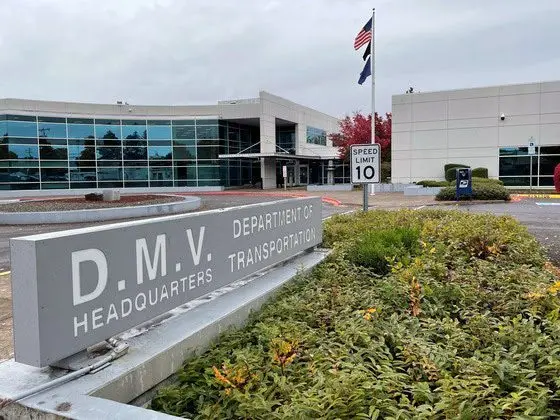
Do you know how to log into your DMV account to do business online? Or how to renew your vehicle registration online? We got you!
DMV’s online service center DMV2U offers over 30 services, from license renewals and vehicle registration to collision reporting and knowledge testing. DMV created six short how-to videos with step-by-step instructions to help customers complete some of the most common tasks on the platform at a time and place that works best for them.
“This is going to be a game changer for our customers,” said Oregon DMV Administrator Amy Joyce. “Driving more people online to DMV2U and through a successful transaction not only means those customers avoid waiting in line, but it also makes the wait shorter for others who may need or want to visit an office.”
The easy-to-follow videos clearly explain how to complete six of the most common DMV2U tasks. Each video includes screen recordings and voiceovers, with captions available in English and Spanish.
The six videos are:
- Logging into DMV2U.
- Address Change on DMV2U.
- Renew or Replace License, Permit or ID on DMV2U.
- Vehicle Registration Renewal (tags) on DMV2U.
- Trip Permits on DMV2U.
- Submit a Passenger Vehicle Title Application on DMV2U.
Customers can access the videos in three ways:
- On ODOT’s YouTube channel in the playlist How to DMV2U.
- On the How to DMV2U video page, linked on oregondmv.com.
- Inside the DMV2U web portal, where the video page is paired to the associated transactions.
Skip the trip and handle DMV tasks on your schedule – start today at dmv2u.oregon.gov.